

One calendar for the whole working day.
Schedule meetings where your team already talks, check everyone for conflicts before the invite goes out, and see your Google or Outlook events in the same view.
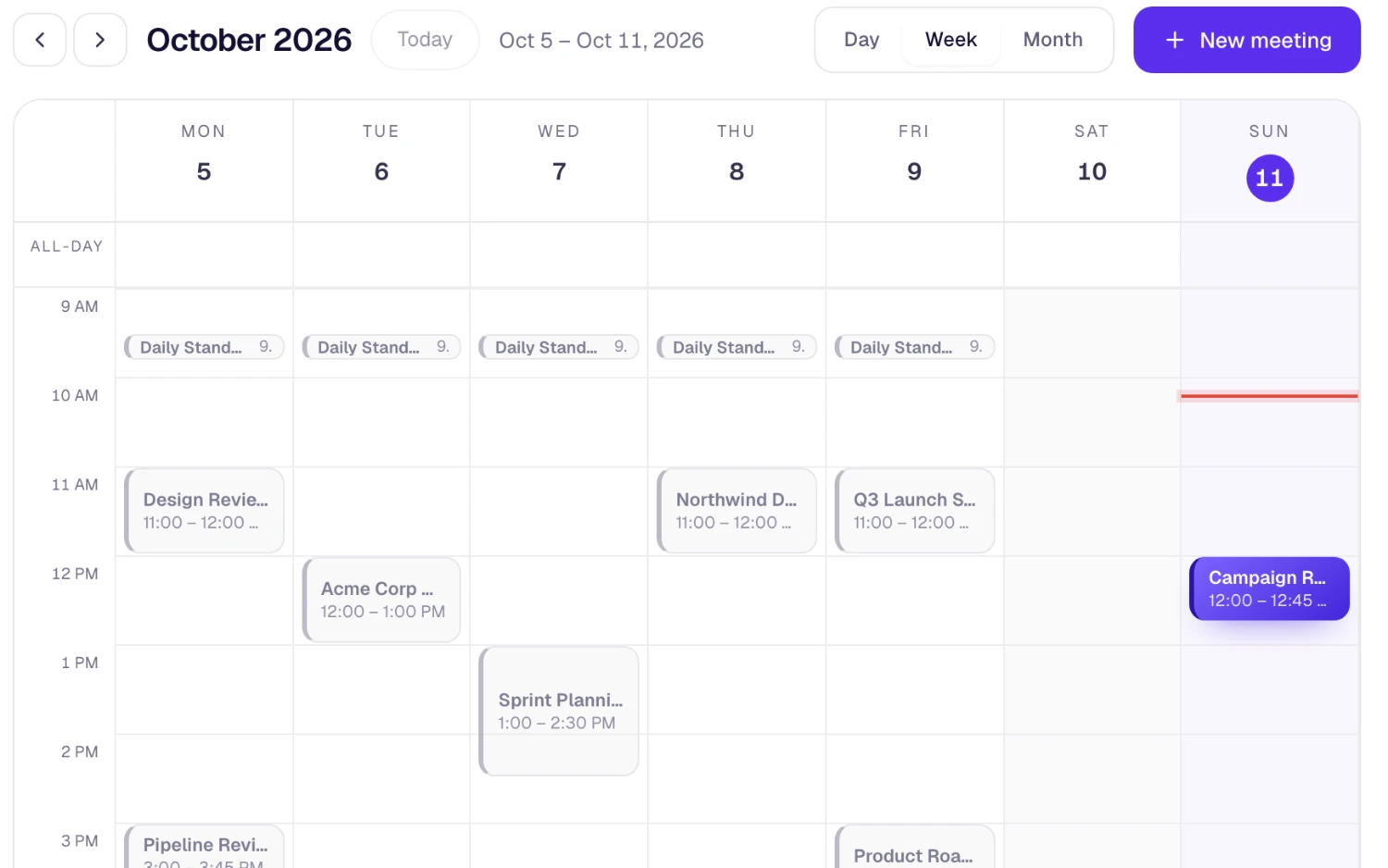
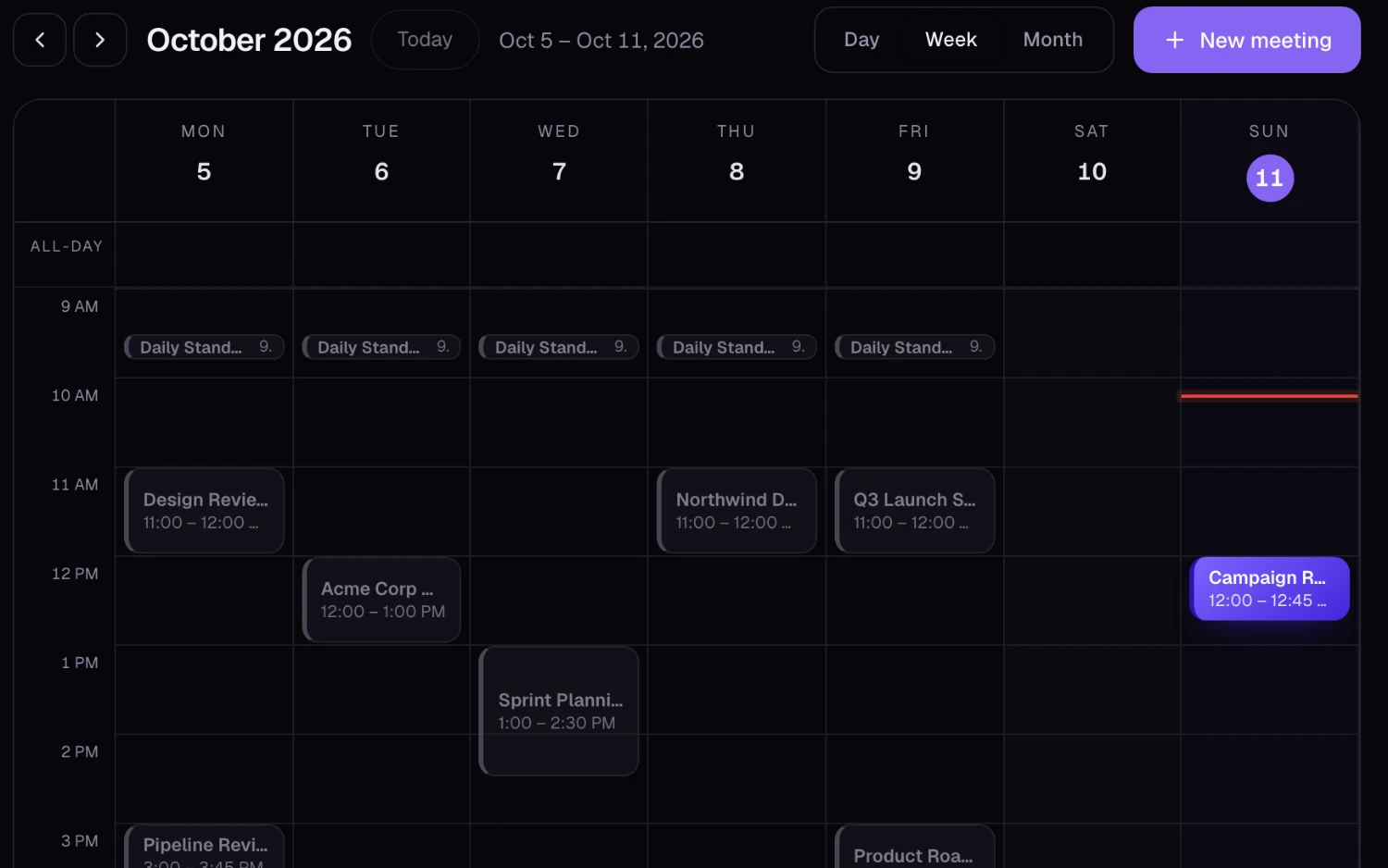
Scheduling without the back-and-forth
Meetings, external events and reminders in one calendar.
How teams plan with SphereOne
Operations
Book the weekly review once, see who has accepted, and stop chasing replies one by one.
Remote teams
External events from Google or Outlook sit next to team meetings, so one calendar shows the whole day.
Client calls
Schedule with SphereOne video, or attach a Google Meet or Microsoft Teams link when that's what the client prefers.
Connected to the rest of the work
The calendar is part of the workspace, not a separate app.
- Meetings use the same people directory as chat, so inviting the team is quick.
- Calls start from the same app your team chats in.
- Each person connects their own Google or Microsoft account in Settings › Connections.
What each plan includes
Calendar & scheduling on every SphereOne plan. Compare all plans.
| Capability | Free | Starter | Business | Enterprise |
|---|---|---|---|---|
| Calendar, scheduling and conflict checks | Included | Included | Included | Included |
| Google Calendar and Outlook sync | Included | Included | Included | Included |
| Meeting length | 40 min | 8 hours | 24 hours | 24 hours |
Questions about calendar & scheduling
Does SphereOne sync with Google Calendar and Outlook?
Yes. Each person connects their own Google or Microsoft account, and those events appear on the SphereOne calendar as read-only entries that refresh automatically.
Can SphereOne create Google Meet or Microsoft Teams links?
Yes. Once your account is connected, choose Google Meet or Microsoft Teams when you schedule and SphereOne adds the meeting link for you.
Does SphereOne check for scheduling conflicts?
Yes. When you schedule a meeting, SphereOne checks attendees for clashes and tracks who has accepted.
Is the calendar included on the Free plan?
Yes. The calendar, scheduling and Google or Outlook sync are on every plan.
More of the workspace
Everything shares one directory, one search and one assistant.
Bring calendar & scheduling to your team
Start free, or book a half-hour walkthrough with our team.