

Client conversations that stay with the business.
Bring clients into private rooms in your workspace instead of personal WhatsApp groups. They see only what you add them to, and the history stays when people move on.
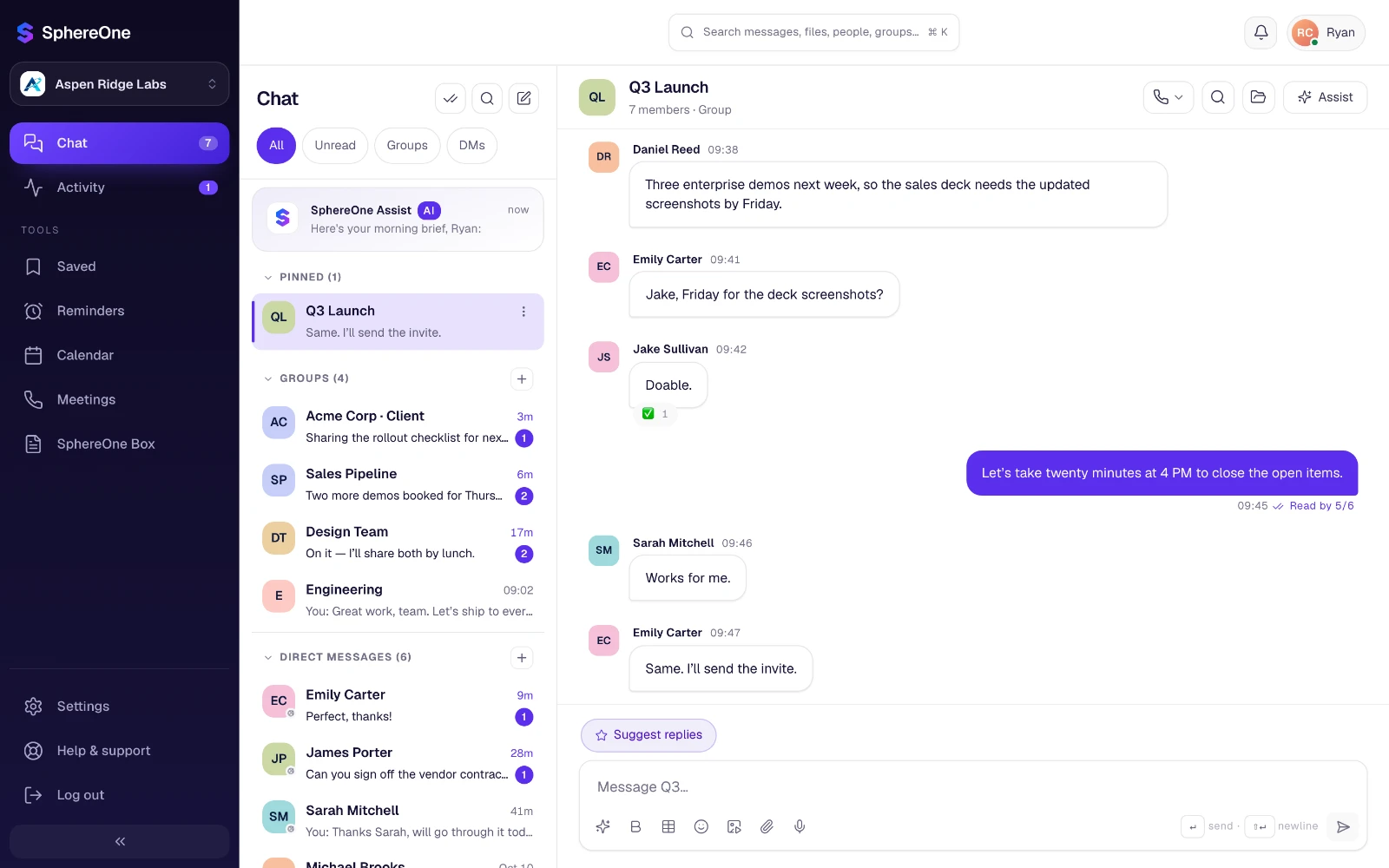
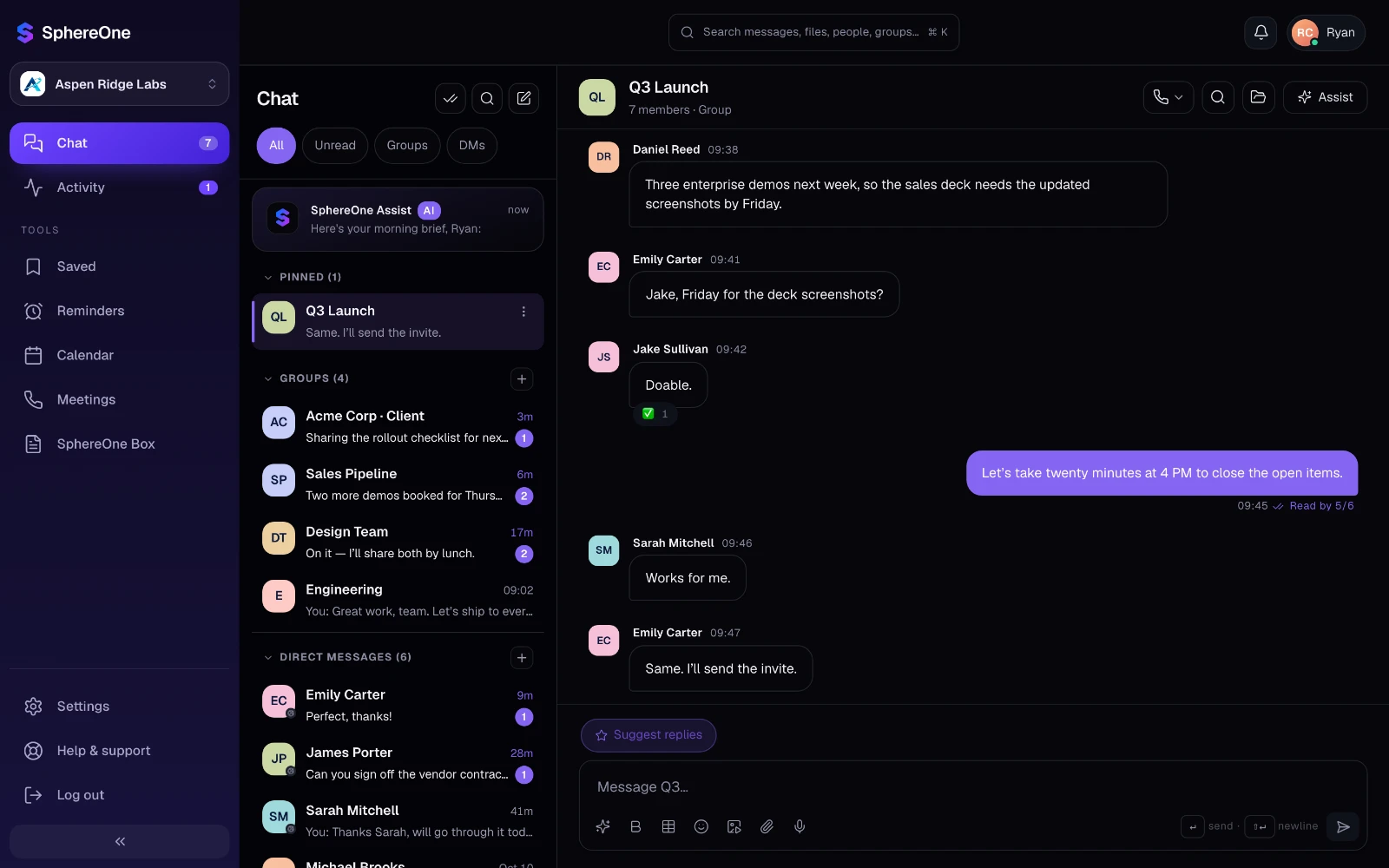
Built for working with clients
Room for clients inside your workspace, with clear limits on what they can reach.
Who relies on it
Agencies
One room per client for briefs, feedback and approvals, with final files shared as links you control.
Professional services
Engagement history stays with the firm when an associate moves on, so the next person starts informed.
Account and sales teams
Hand an account over with every conversation intact, instead of losing it in someone’s phone.
AI for client work
Assist helps your team with clients, without opening anything to them.
- Summarize a long client thread before the next call.
- Draft the client update from a short prompt, then edit it in your own words.
- Assist only reads what each person can open, so a client only ever reaches their own rooms.
What each plan includes
Clients & guests on every SphereOne plan. Compare all plans.
| Capability | Free | Starter | Business | Enterprise |
|---|---|---|---|---|
| Client users | 5 | 25 | Unlimited | Unlimited |
| Client login | Not included | Included | Included | Included |
| Channels shared with other organizations | Not included | Included | Included | Included |
| Guest call links | Included | Included | Included | Included |
Questions about clients & guests
Can clients see our internal channels?
No. Client accounts don't appear in your team directory, can't start new conversations, and only reach the rooms you add them to.
Do clients need an account to join a call?
No. Send a guest link and anyone can join the call by entering their name.
What happens to client conversations when an employee leaves?
They stay with the business. Client rooms, files and meetings belong to the workspace, so the person who takes over the account starts with the full history.
How many clients can we add?
It depends on the plan: Free 5, Starter 25, Business unlimited and Enterprise unlimited client users.
More of the workspace
Everything shares one directory, one search and one assistant.
Bring clients & guests to your team
Start free, or book a half-hour walkthrough with our team.