

Your files, in the same place as the conversations about them.
SphereOne Box keeps decks, contracts and designs next to the chats and meetings they belong to: shared on your terms, and owned by the business.
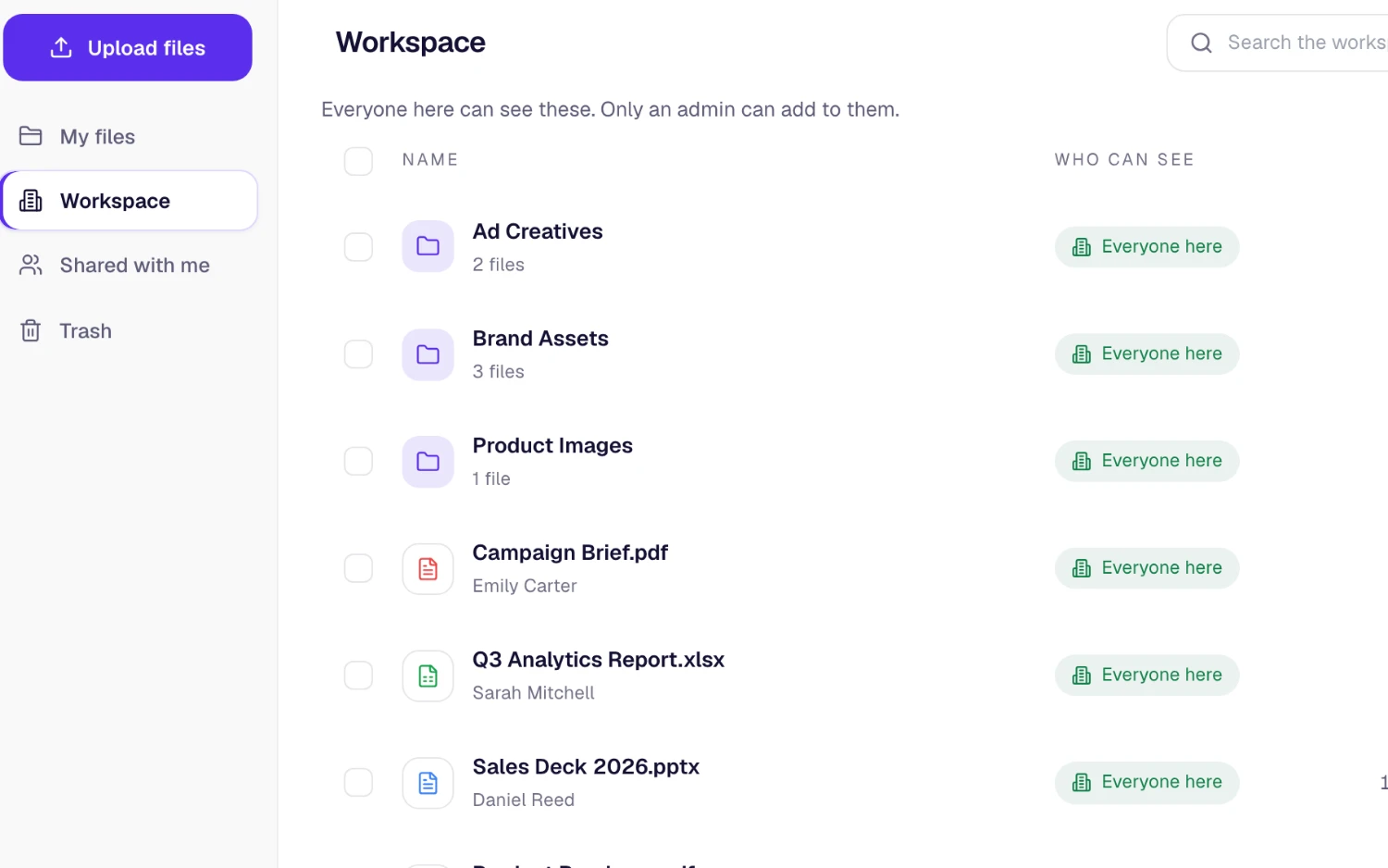
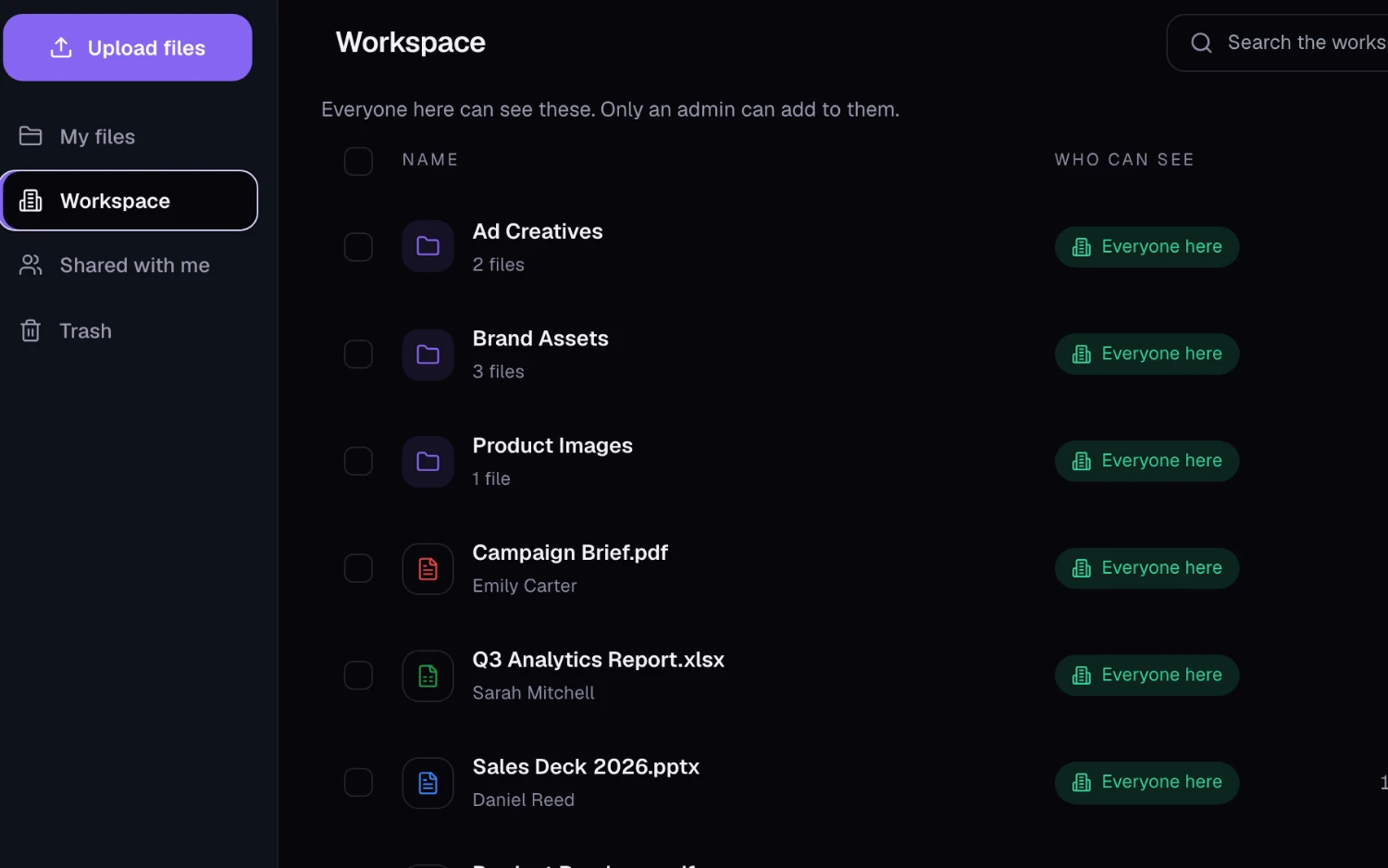
Store, find and share with control
File storage that is part of the workspace, not another tool to keep in sync.
How teams use SphereOne Box
Agencies
Share final assets with a client as a link that expires when the project closes.
Professional services
Keep contracts and working documents inside the firm, with access limited to the people on the engagement.
Distributed teams
One home for the latest deck, instead of copies scattered across email threads and personal drives.
Owned by the business
Files are part of the workspace, so control stays with the company.
- Admins see and manage the workspace’s storage from one screen.
- Share links can be revoked at any time, so access ends when the work does.
- New versions, shares, links and permanent deletes are recorded in the admin audit log on Starter and up.
What each plan includes
SphereOne Box on every SphereOne plan. Compare all plans.
| Capability | Free | Starter | Business | Enterprise |
|---|---|---|---|---|
| Workspace storage | 5 GB | 100 GB | 1 TB + 20 GB/user | Custom |
| Storage per person | 1 GB | 5 GB | 25 GB | Custom |
| Largest single file | 50 MB | 1 GB | 5 GB | 10 GB |
| Version history | 7 days | 30 days | 180 days | Custom |
| Trash recovery | 30 days | 90 days | 180 days | Custom |
Questions about SphereOne Box
How much storage does SphereOne include?
Workspace storage depends on the plan: Free 5 gb, Starter 100 gb, Business 1 tb + 20 gb/user and Enterprise custom.
Can I share a file with someone outside the company?
Yes. Create a share link and set it to expire, revoke it whenever you like, or keep it limited to people signed in to your workspace.
Does SphereOne keep earlier versions of a file?
Yes. Upload a new version and the one it replaces is kept, so you can download or restore it, for a period set by the plan: Free 7 days, Starter 30 days, Business 180 days and Enterprise custom. The file keeps its name, links and shares.
What happens when a file is deleted?
It goes to the trash first and can be restored for a period that depends on the plan: Free 30 days, Starter 90 days, Business 180 days and Enterprise custom.
What is the largest file I can upload?
Free 50 mb, Starter 1 gb, Business 5 gb and Enterprise 10 gb per file.
More of the workspace
Everything shares one directory, one search and one assistant.
Bring SphereOne Box to your team
Start free, or book a half-hour walkthrough with our team.