

The AI-native workspace.One Sphere.
Chat, meetings, files and clients in one secure place, with AI built into every conversation. Coming from Slack, Microsoft Teams or WhatsApp? Your history comes with you.
- 14-day Business trial
- Cancel anytime
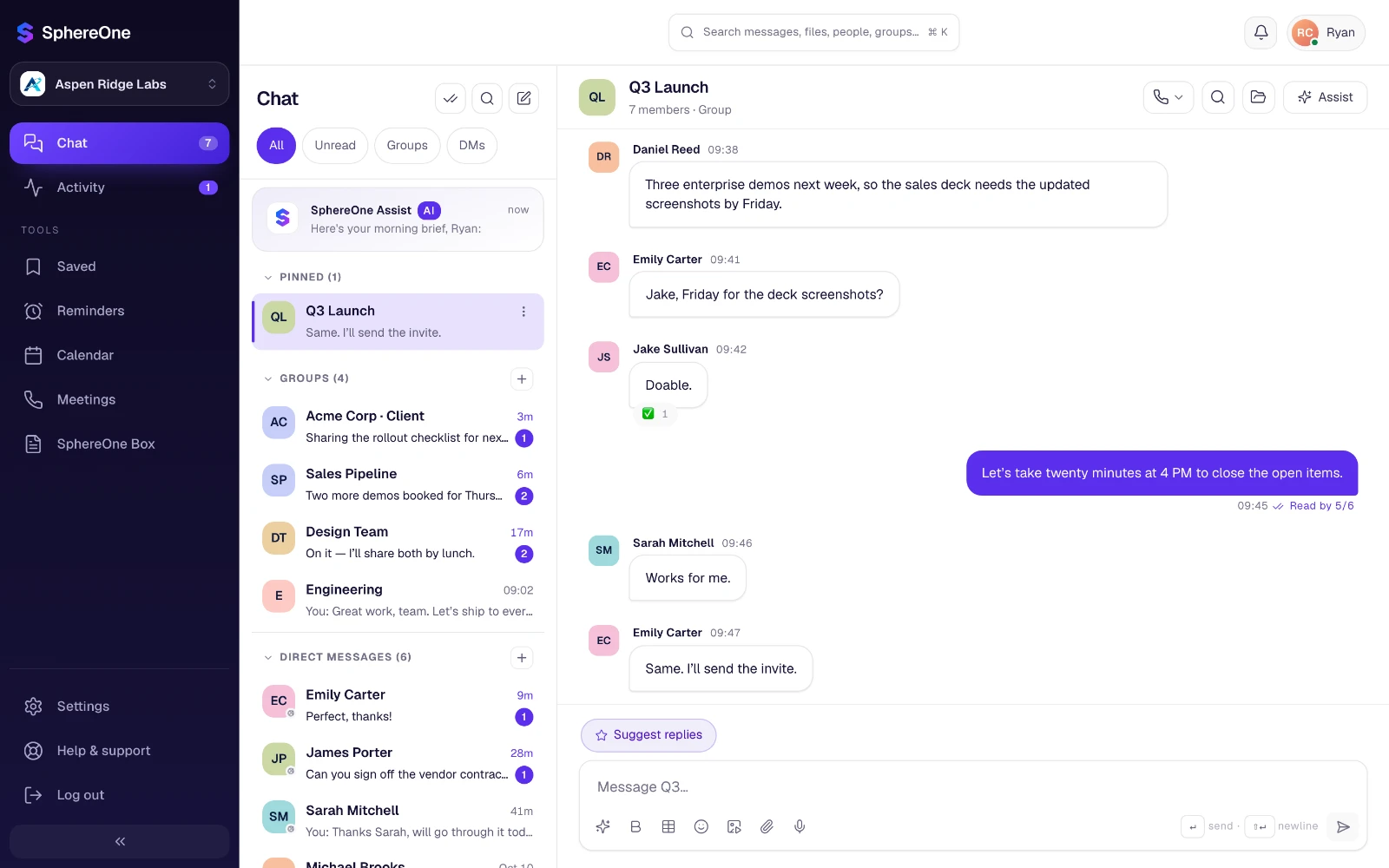
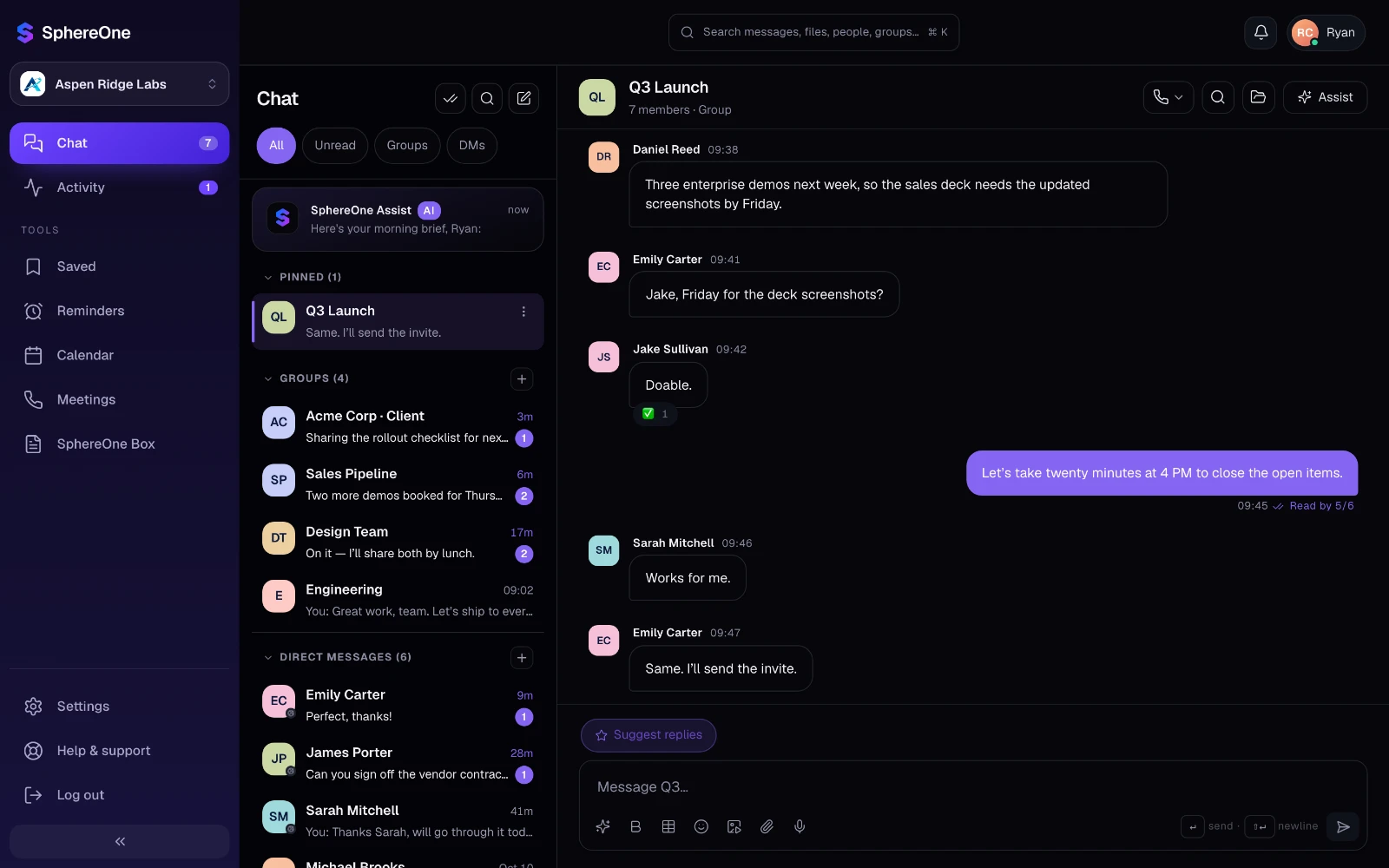
When your people change, your relationships shouldn't.
Communication scattered across apps, personal devices and inboxes leads to lost context, slower work and unhappy clients.
Your business. Your people. Your relationships.
One business-owned, AI-native workspace for team chat, calls, meetings, calendar, files and client relationships.
AI isn't a feature here. It's the foundation.
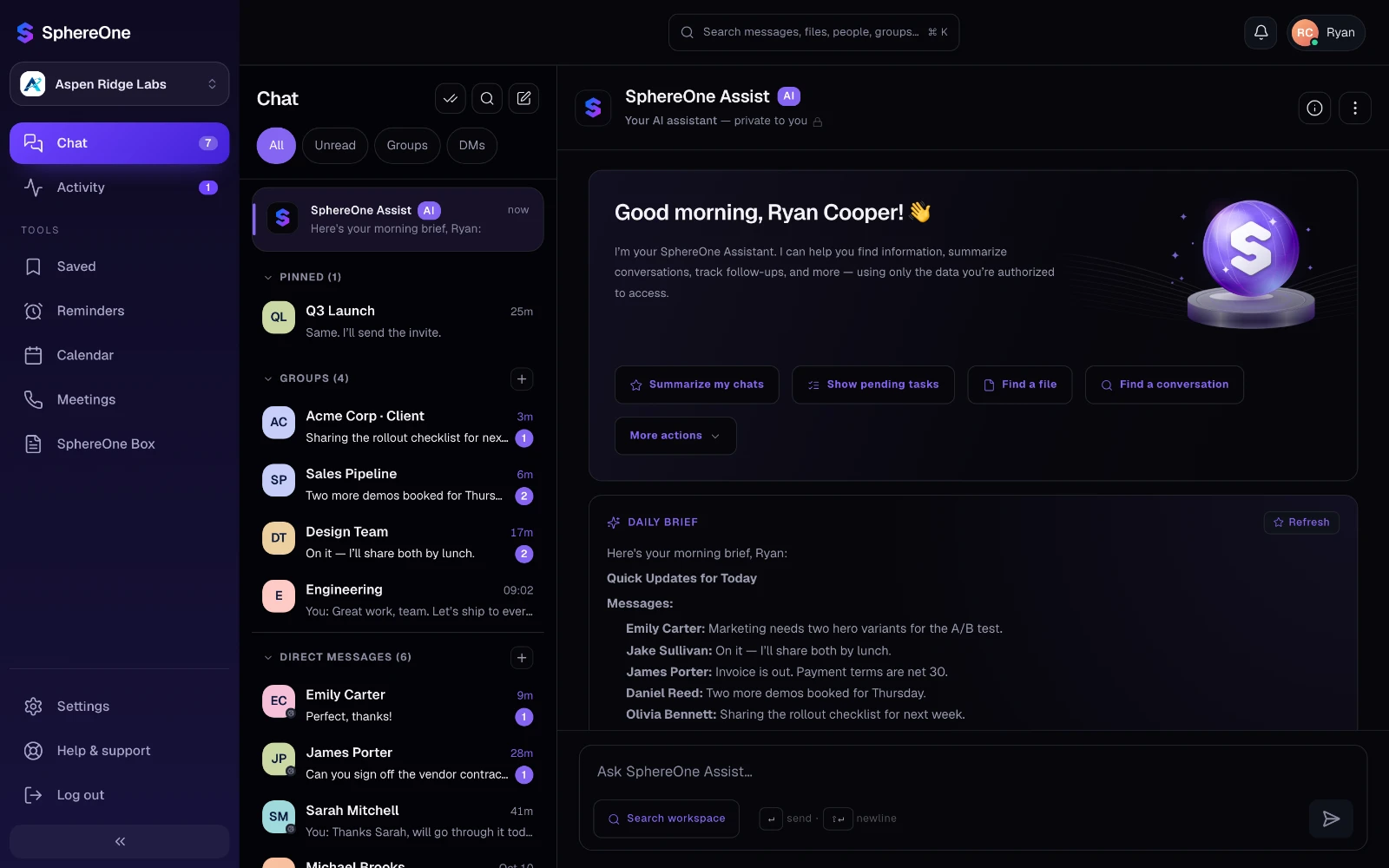
SphereOne was built AI-first. SphereOne Assist, the AI assistant inside every conversation you can open, summarizes, drafts and answers from your real work — not from a blank prompt.
Everything connected. Everything in context.
Team chat, video meetings, file storage, scheduling and client management in one complete business workspace.
Team chat
Chat with your team and external clients in one secure place.
ExploreVideo calls & meetings
Audio and video calls with screen sharing, straight from the conversation.
ExploreFile storage & sharing
Secure file storage with permissions and share links you control.
ExploreShared calendar
Schedule meetings, check conflicts and sync Google or Outlook.
ExplorePeople & clients
Organize your team, clients and guests with clear access.
ExploreAI assistant
Assist summarizes, drafts and helps you act in every chat.
ExploreMove in a day. Bring every conversation.
Import channels, chats, people and files from the apps your team uses today, and pick up exactly where you left off.
- Nothing is written until an admin confirms the preview
- People matched to their accounts automatically
- Any import can be undone
- Upload the export ZIP
Slack
- Connect Microsoft 365
Microsoft Teams
- Upload group chat exports
WhatsApp
- Upload Google Takeout files
Google Chat
- Upload Telegram Desktop exports
Telegram
- Connect a bot to your server
Discord
- Upload the bulk export ZIP
Mattermost
- On Starter, Business and EnterpriseHow it works
Built for business. Trusted with confidence.
Enterprise-grade security, privacy and compliance protect your data and your relationships.
- End-to-end Encryption
- SOC 2 Type II
- GDPR Aligned
- HIPAA Ready
- 99.9% Uptime SLA
- Read our policiesPrivacy, data and security
SphereOne by the numbers
Real workspace. Real conversations. Real results.
From startups to growing businesses, teams use SphereOne to communicate better and build stronger relationships.
Take a quick tour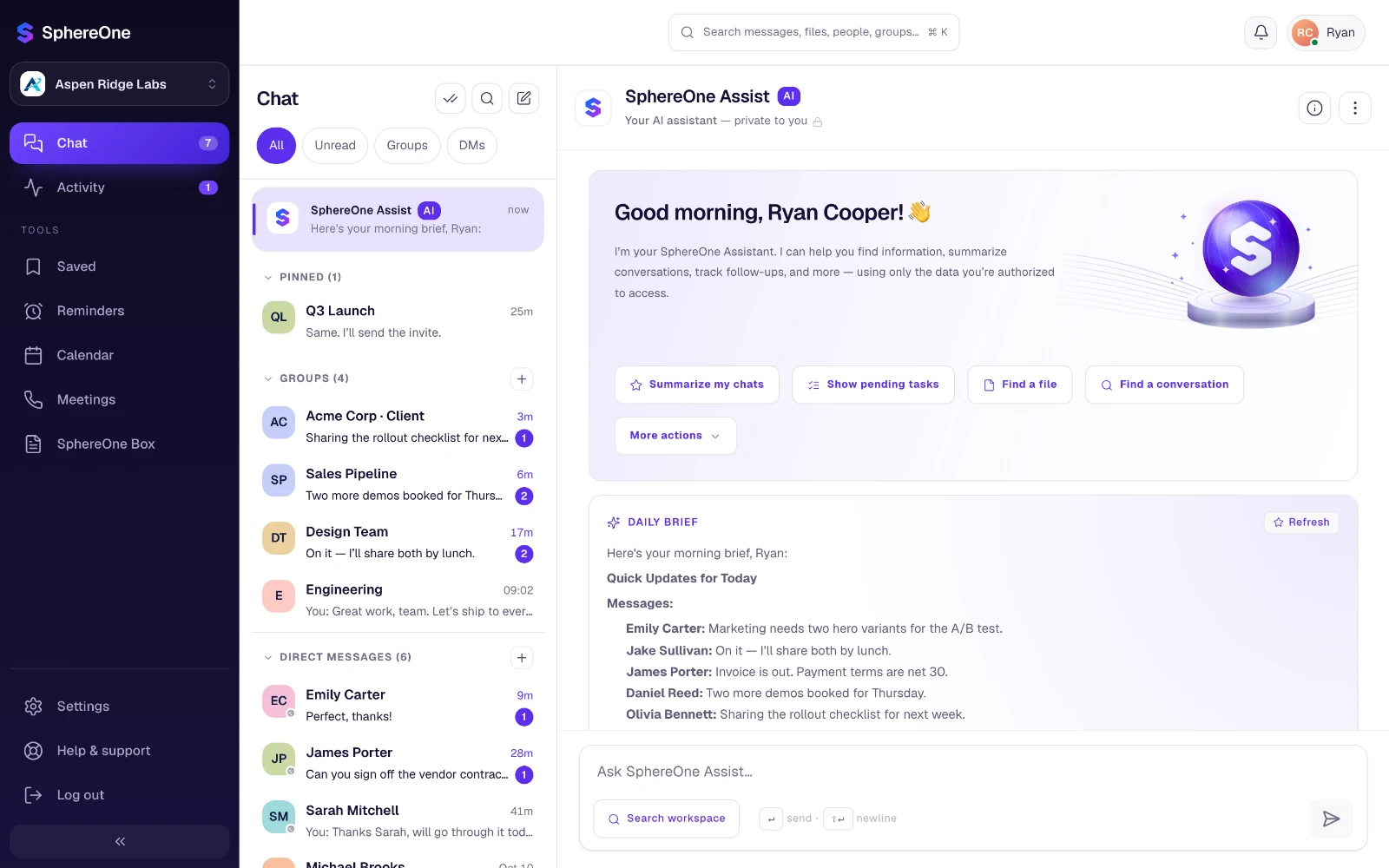
Teams that run on SphereOne
- FinEdgeSolutions
- BrightMindsAgency
- HealthCarePlus
- CodeCraftLabs
- NextGenAdvisors
- VertexInnovations
Questions about SphereOne
What teams ask before they move their chat, calls, meetings and files to an AI-native workspace.
What is SphereOne?
SphereOne is an AI-native workspace for business. It brings team chat, audio and video calls, meetings, a shared calendar, file storage and client communication into one secure place, with SphereOne Assist, an AI assistant, built into every conversation.
What does AI-native mean in SphereOne?
AI is part of how SphereOne works, not an add-on. Assist works from the conversations you can already open, so it can summarize a busy chat into decisions and action items, draft and rewrite messages, suggest replies in the chat's own language, write you a daily brief and answer questions about your work.
Can we bring our history from Slack, Microsoft Teams or WhatsApp?
Yes. Workspace admins on Starter, Business and Enterprise can import channels, chats, people and files from Slack, Microsoft Teams, WhatsApp, Google Chat, Telegram, Discord and Mattermost. Nothing is written until you confirm the preview, and an import can be undone.
Does SphereOne include video calls and a calendar?
Yes. Start an audio or video call with screen sharing from any conversation, schedule meetings on the built-in calendar, and connect Google Calendar or Outlook to see every event in one view. On paid plans, calls can be recorded.
Can we work with clients and guests?
Yes. Clients join private rooms and only see the conversations you add them to. Share files by links that can expire or be revoked, and let guests join a call from a link without creating an account.
How does SphereOne keep our data secure?
SphereOne is built for business, with end-to-end encryption, SOC 2 Type II, GDPR-aligned data handling, HIPAA readiness and a 99.9% uptime SLA. Assist only reads conversations you can already open, and admins can switch AI off for the whole workspace.
How much does SphereOne cost?
The Free plan covers teams of up to 10 people. Starter is $8 and Business is $15 per person per month, and Enterprise is priced for your organization. New workspaces get a 14-day Business trial.
Ready to go AI-native?
Bring your team — and your history from the apps you use today — into one AI-native workspace.